
Cyber Security Awareness Month runs every October in Canada, and the 2026 theme is “your best defence is you.” For a business, being ready means four things are written down: how employees verify a payment or access request, who owns each account, what gets backed up and tested, and how someone reports a mistake without fear.
Imagine an employee in your company receives an email that appears to come from a long-standing supplier. The message is a request asking them to update banking details for an invoice due that day. The language sounds right and the signature is recognizable. But the request arrives in the middle of a busy workday.
That scenario has a name: business email compromise: a targeted form of phishing aimed at a payment process rather than a password.
Timing matters. And what happens next depends on more than whether that employee spots a suspicious detail in the message. Does your business require a phone call to verify changes to payment information? Does the employee know who to alert? Are your email security tools, account protections, and approval processes working together?
That’s the business lesson behind Canada’s Cyber Security Awareness Month 2026 theme: “Your best defence is you.” Each October, Get Cyber Safe encourages Canadians to strengthen their cyber habits. For business leaders, the challenge is to turn those habits into a reliable way of working that helps employees make good decisions year round and gives the organization stronger protection when someone makes a mistake.
Give Employees a Way to Verify Requests
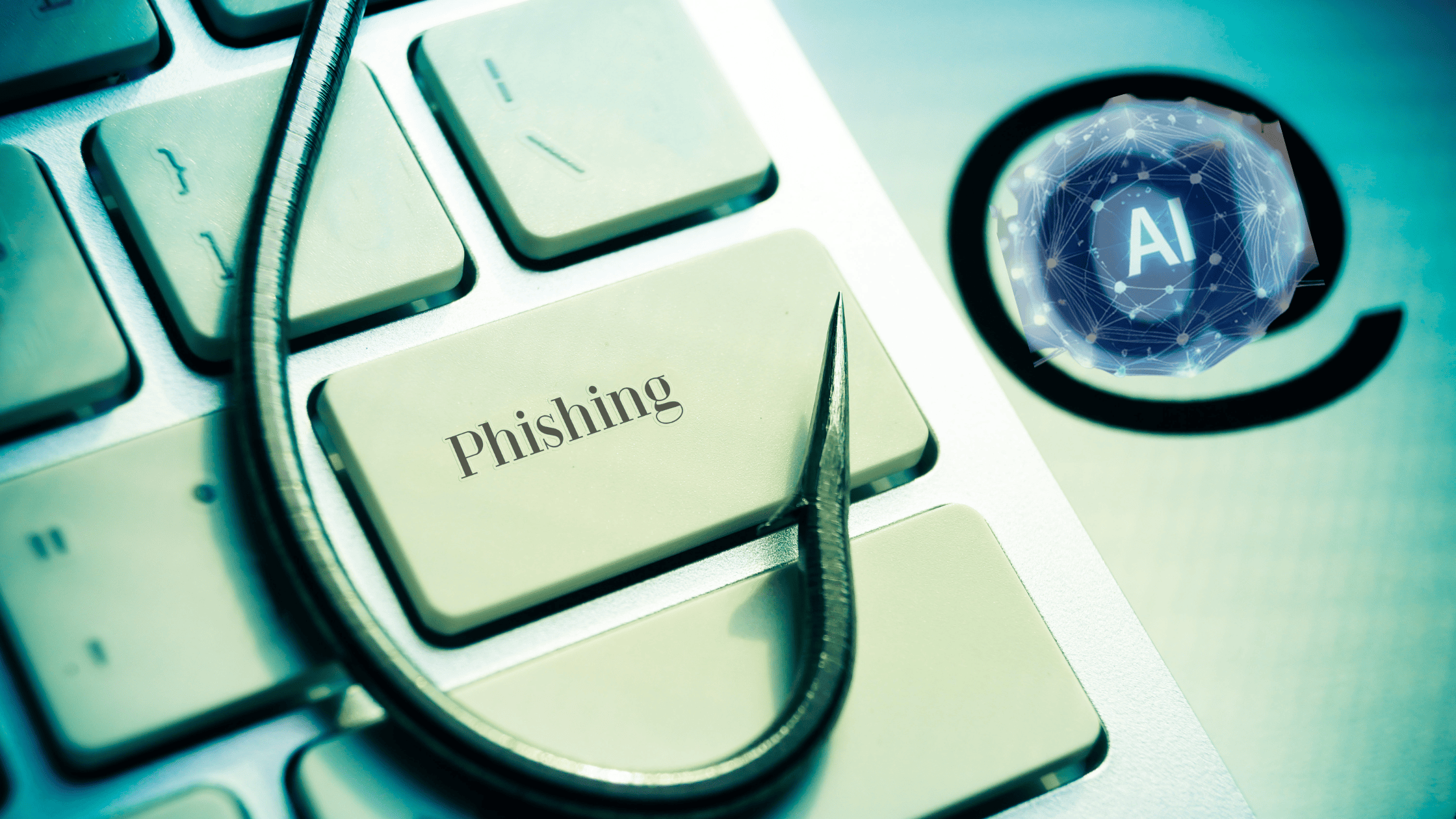
Phishing hallmarks – an awkward greeting or obvious spelling error – are no longer dependable clues for identifying fraudulent requests. AI can help cybercriminals create more convincing messages and even imitate voices. A request to approve payment, share a file, or sign into an account may appear to come from someone your team trusts.
Training employees to pause before clicking is worthwhile and paramount to the safety of your business. But “be careful” is not a comprehensive business policy. Your team needs clear rules for requests that could jeopardize money or information. For example, require employees to verify banking changes by calling a supplier with a number already on file, not the number in the email requesting the change. Set an approval process for unusual payments and make it easy to report a message without having to worry that asking a question will slow everyone down.
The goal is not to make every employee a cyber security expert. Your ultimate objective is to make the safer action the normal action, even on a hectic day. Get Cyber Safe’s phishing warning signs are a useful starting point for team discussions, but your internal procedures should tell people exactly what to do when a warning sign appears.
Protect Your Business Accounts
Think about the accounts employees use to run your business: email, Microsoft 365, accounting software, cloud storage, and industry-specific applications. If someone gains access to one of them, the impact may extend well beyond a single inbox.
Start by reviewing whether employees use unique passwords for work accounts and whether your organization has an approved password manager. Turn on multi-factor authentication (MFA) wherever it is available, particularly for email, financial systems, and administrator accounts. These measures make a stolen password less useful to an attacker.
Access should also be changed when a person’s role changes. Does an employee still need every permission they were granted two years ago? Are accounts disabled promptly when someone leaves? Can you identify which users have administrator privileges? Do you have clear policies and procedures in place for agentic AI identity and access management? A Cyber Month account review can reveal gaps that are easy to overlook during normal operations.
At The ITeam, we see account security as part of a broader managed IT strategy, not a one-time-only modification. Protections must integrate with the systems your people use and be maintained as your business grows.
Maintain Backend Systems

Cybersecurity is also about keeping your business running. Software updates that lapse, devices without adequate protection, and untested backups all create avoidable uncertainty.
Ask your IT team or provider when critical systems were last patched and whether any devices are running unsupported software. Confirm that backups protect the information your business actually needs to operate, not just the files someone remembered to select. Then check whether those backups can be restored within a timeframe your business can tolerate.
A backup is most valuable when it is part of a recovery plan. If your network became unavailable tomorrow, who would make decisions? Which systems would need to come back first? How would employees communicate with customers? The ITeam’s approach to small and medium-sized enterprise IT includes patch management, backup and disaster recovery, managed detection and response, email security, and ongoing reviews. Each of these elements affect both security and continuity.
Make Reporting Part of Your Culture
Even a well-trained employee may click a convincing link or approve a sign-in prompt by mistake. Your response to these events matters more than the impulse to assign blame. Employees should not fear reporting.
Employees should know how to immediately contact your IT support team if they receive a suspicious request, inadvertently disclose information, lose a device, or even suspect that an account has been compromised. Reporting should not require them to decide whether an event is “serious enough.” That assessment belongs to the people equipped to investigate these incidents. And the culture of your company should encourage reporting without ramification. An employee who fears losing their job over reporting an issue will simply not report it.
Business leaders have a role here, too. If managers reward speed at the expense of verification, employees will feel pressure to process an urgent request without checking its legitimacy. If leaders follow the same payment, access, and reporting procedures as everyone else, those safeguards become part of the company’s culture.
Get Cyber Safe’s Guide for Small Businesses recommends employee training and a cyber security plan. Those are most useful when they reflect how your team actually works and identify who is responsible for responding to an incident.
Use Cyber Security Awareness Month to Close One Gap
You do not need to overhaul every system during Cyber Security Awareness Month, but you should have a good idea where your greatest exposure lies.
This October, choose a manageable place to start. Review how your team verifies payment changes. Confirm that MFA is enabled on critical accounts. Test a backup restoration. Ask employees whether they know how to report a suspicious email. Each exercise should end with an owner and a next step, rather than a reminder to “stay vigilant.”
For businesses in Calgary, Edmonton, and Vancouver, cybersecurity has to support the day-to-day realities of supporting clients, safeguarding information, and avoiding disruption. The ITeam helps organizations do that with a layered approach that includes employee training, email filtering, endpoint security, monitoring, risk assessments, and backup and recovery planning.
“Your best defence is you” is a useful reminder that people matter. It should not mean leaving employees to defend the business on their own. Give them clear procedures, dependable technology, and a team they can call when something does not look right.
If you are unsure where to begin, request a business assessment from The ITeam to identify the gaps worth addressing first.
Cyber Security Awareness Month is a timely reminder that threats like phishing, business email compromise, and social engineering are now everyday risks for Canadian organizations. Studies show that phishing attempts have surged—some reports indicate 3x more phishing attacks targeting businesses compared to previous years—making it essential to strengthen defences during cybersecurity awareness month and beyond. In Canada, Get Cyber Safe emphasizes that “Your best defence is you,” but that defence works best when supported by structured employee cyber security training. Security awareness training helps staff recognize suspicious messages, verify unusual requests, and follow clear steps for incident response when something looks off.
For Calgary, Edmonton, Vancouver, and other Canadian cities, the stakes are especially high as attackers exploit remote work, cloud tools, and digital invoicing. Invoice fraud and ransomware remain top concerns, often enabled by weak passwords or missing multi-factor authentication (MFA). That’s why cyber security training for employees should cover practical habits: using a password manager, enabling MFA on all critical accounts, and understanding how social engineering tactics manipulate trust. Managed IT services can help organizations implement these controls consistently, from MFA rollout to ongoing security awareness training. With 3x more phishing attempts and sophisticated business email compromise schemes in circulation, a proactive approach to Cyber Security Awareness Month—and year-round cybersecurity awareness month—can significantly reduce risk for businesses across Alberta and Canada.
Frequently Asked Questions about Cyber Security Awareness Month
What month is Cyber Security Awareness Month?
Cyber Security Awareness Month takes place every October. In Canada, it’s promoted through the Get Cyber Safe campaign, and many organizations run awareness activities throughout the month.
What is the theme for Cyber Security Awareness Month 2026?
In Canada, the 2026 theme is “Your best defence is you.” It emphasizes that everyday habits—like recognizing suspicious messages, using strong passwords, and protecting personal information—are the most effective defence against cyber threats.
Why does Cyber Security Awareness Month matter for small businesses?
Small and mid-sized businesses are frequent targets because attackers assume they have weaker defences. Cyber Security Awareness Month helps SMB leaders and staff focus on practical steps—such as multi-factor authentication, regular updates, and phishing awareness—that significantly reduce risk without needing a large security team.
What are the weekly themes for Cyber Security Awareness Month 2026 in Canada?
The 2026 Canadian campaign breaks the month into four weekly focus areas:
-
Recognize cyber threats
-
Strengthen your defences
-
Protect your information
-
Build your cyber security community
These weekly themes guide content, training, and communications throughout October.
How can individuals put the “Your best defence is you” theme into action?
People can live out the theme by:
-
Pausing before clicking links or opening attachments, especially in unexpected messages
-
Using unique, strong passwords and a password manager
-
Turning on multi-factor authentication on key accounts (email, banking, business tools)
-
Keeping devices and apps updated
-
Verifying unusual requests (especially for money or data) through a separate channel (e.g., a phone call)
What resources can organizations use during Cyber Security Awareness Month?
Organizations can use free toolkits and messaging from Get Cyber Safe (Canada) and CISA (U.S.) that include graphics, posters, social posts, and training ideas. Many security vendors and MSPs also offer ready-to-use campaigns, short videos, and checklists aligned to the weekly themes.